
Time and pay for teams of every size
Punch
From punch-in to payroll-ready, without the spreadsheet. Punch turns employee time into payroll-ready records automatically: geofenced punch-in, approvals, PTO that accrues, commission done right, and exports your payroll already understands, across 60 countries.
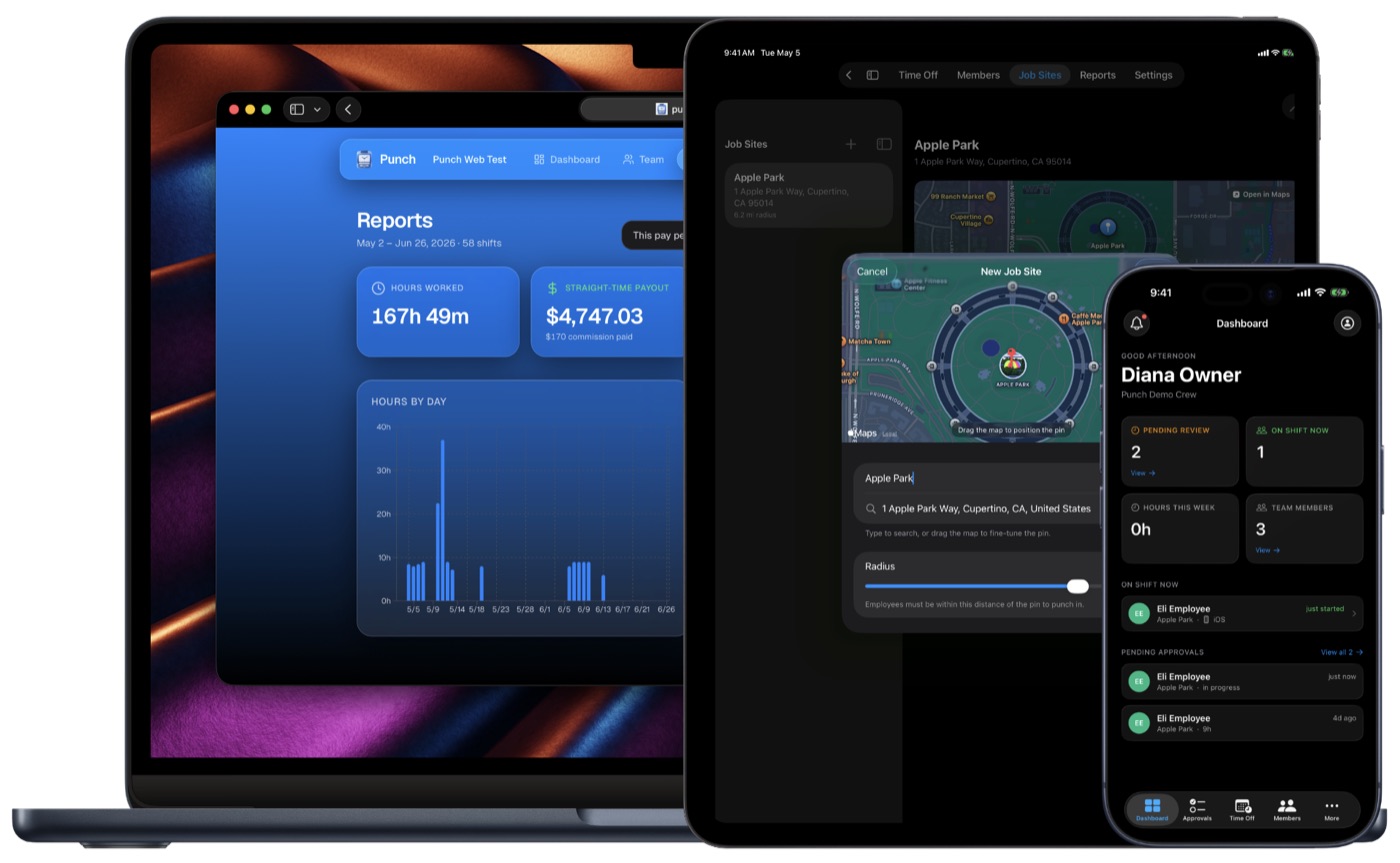
How it works
From the first punch to payroll-ready.
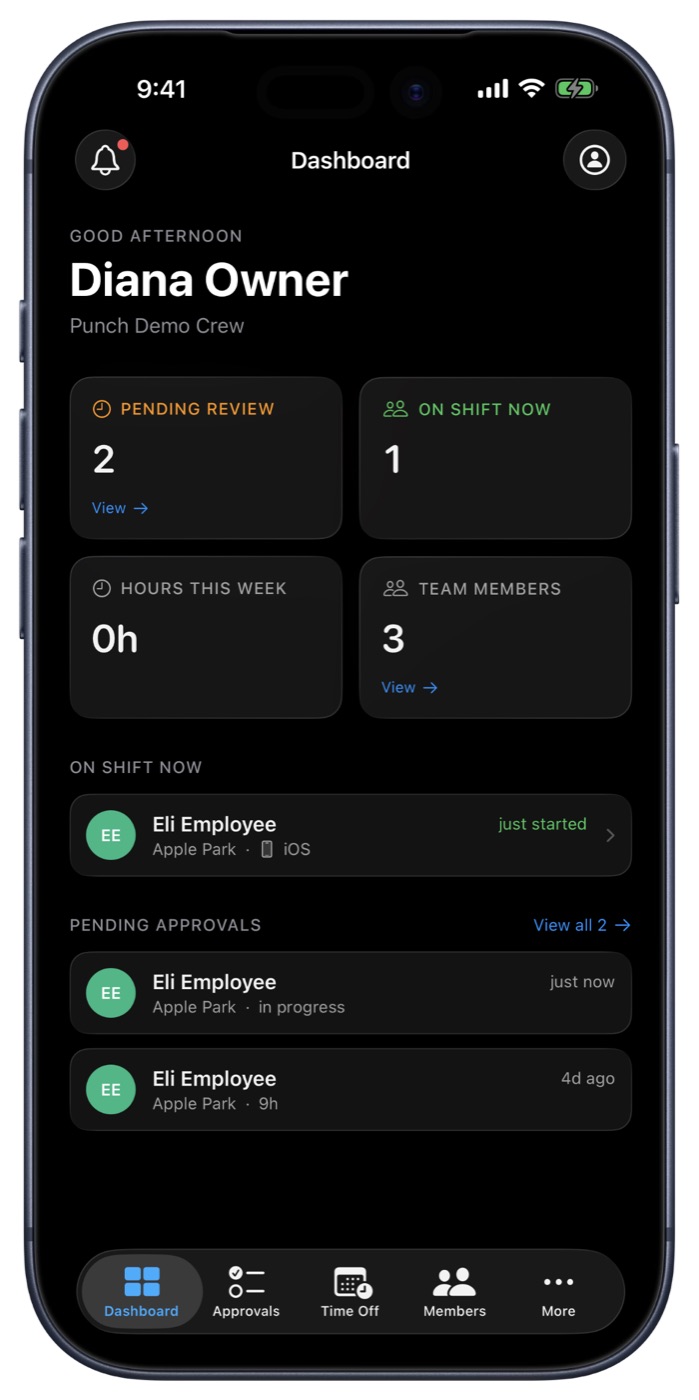
1. Punch in, verified
One tap on iPhone, iPad or web. On iPhone and iPad, GPS confirms they're at the job site before the shift counts.
2. The clock runs
A live timer tracks the shift; lunch and breaks come out. Works offline and syncs when signal returns.
3. Overtime, automatic
Punch applies your country's overtime rules as the hours add up. No formulas.
4. You approve
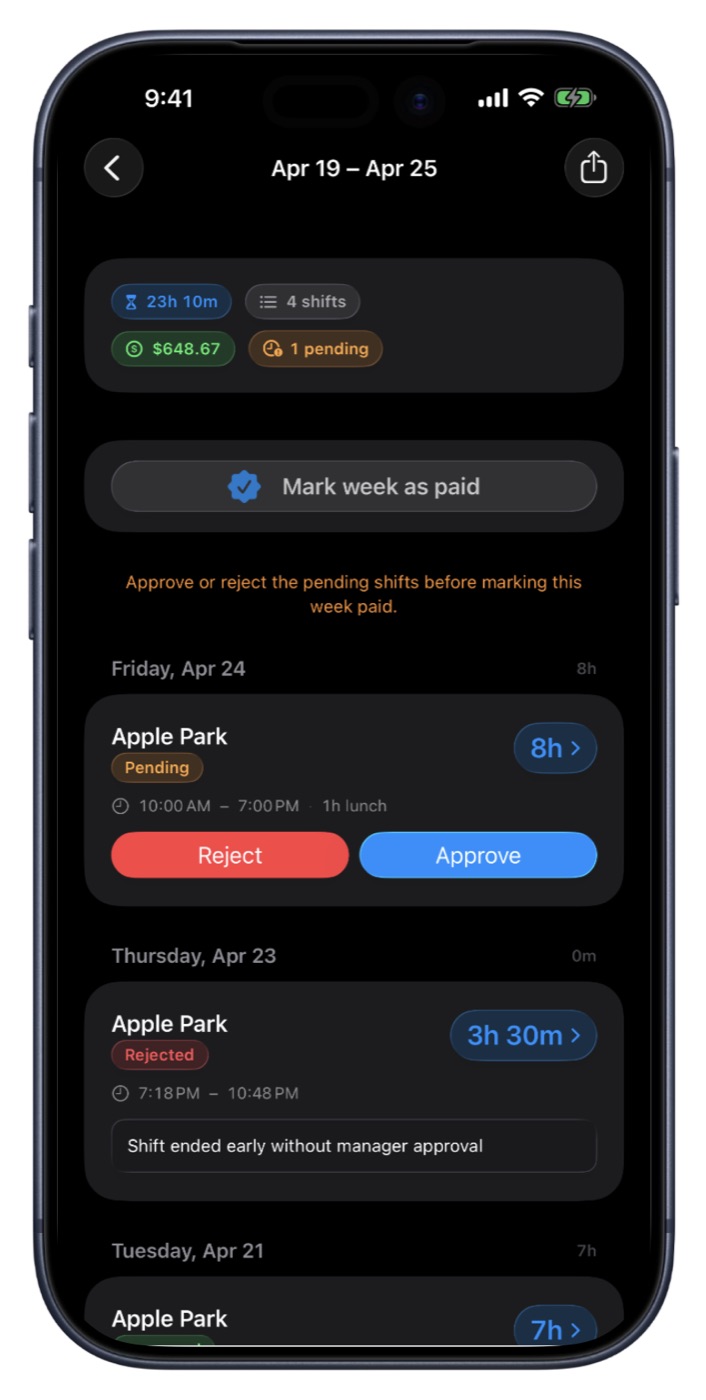
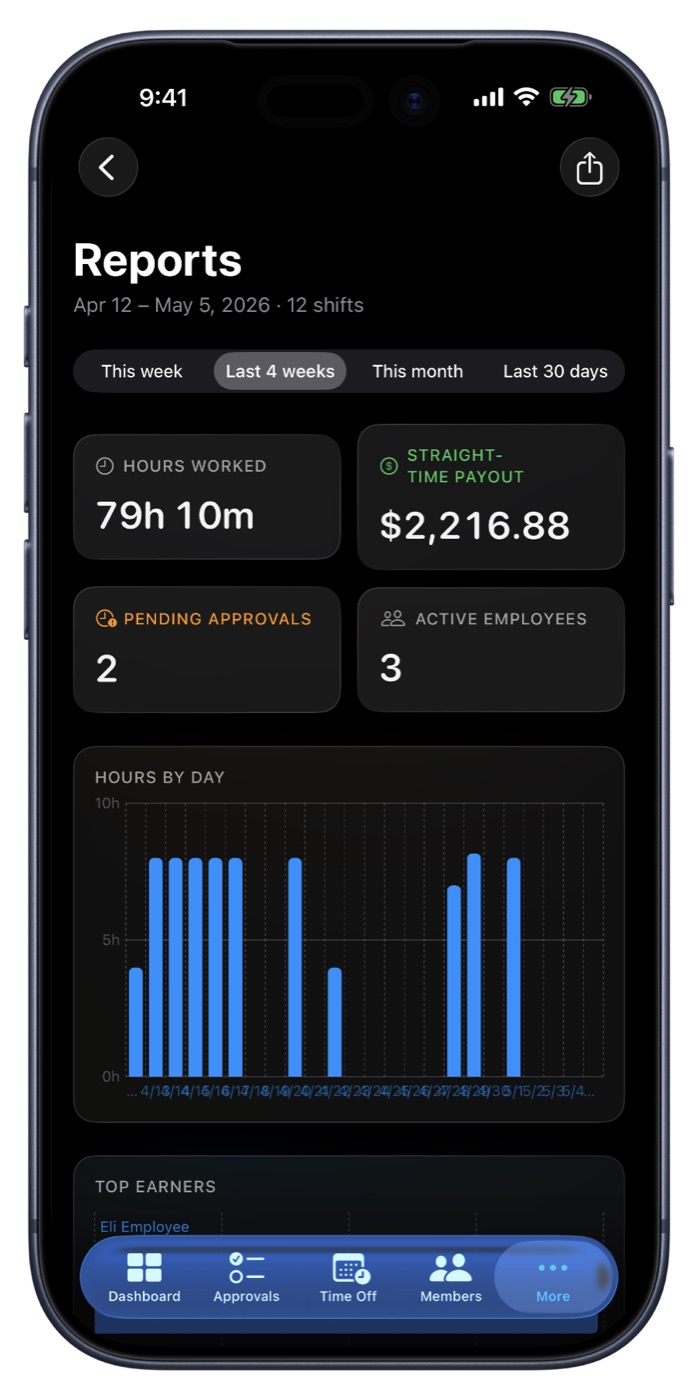
Every shift lands in Approvals. Clear a whole pay period in one tap, or reject with a reason.
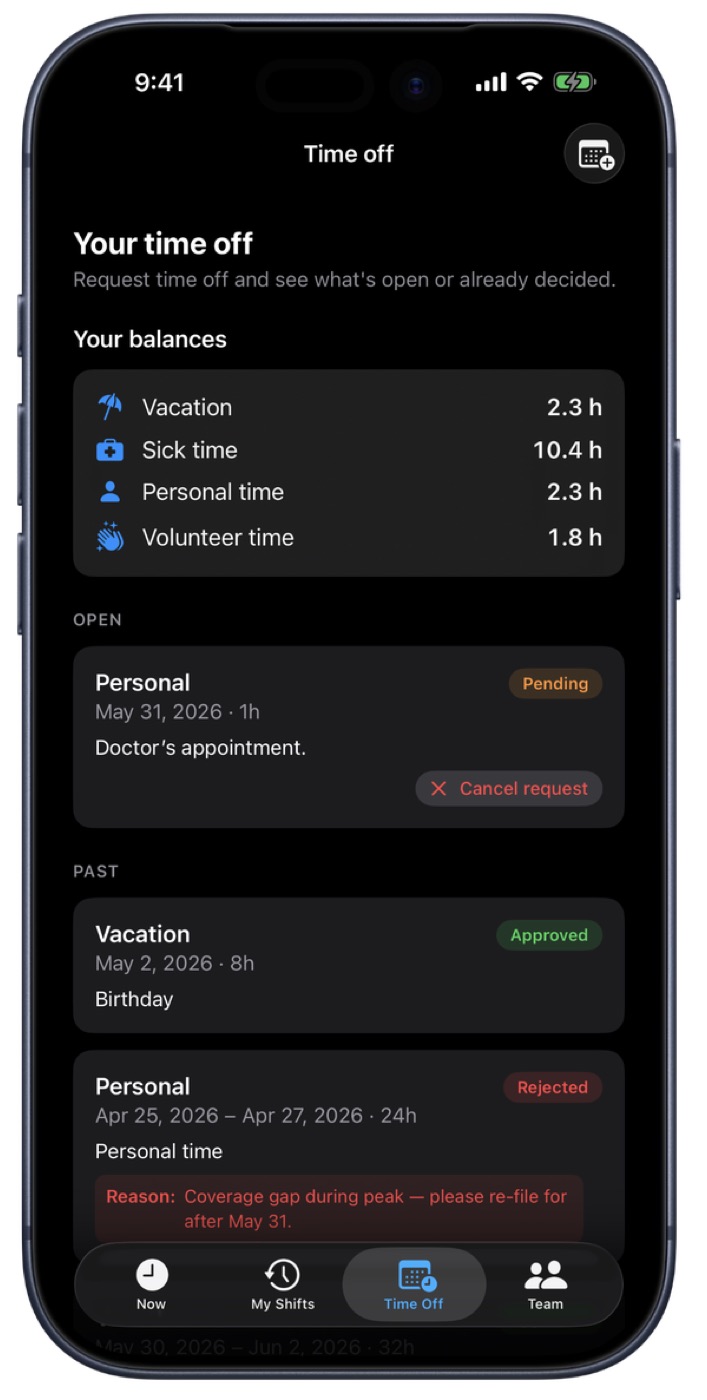
5. Time off keeps its balance
PTO accrues on your schedule, and approved time off draws it down.
6. Export, payroll-ready
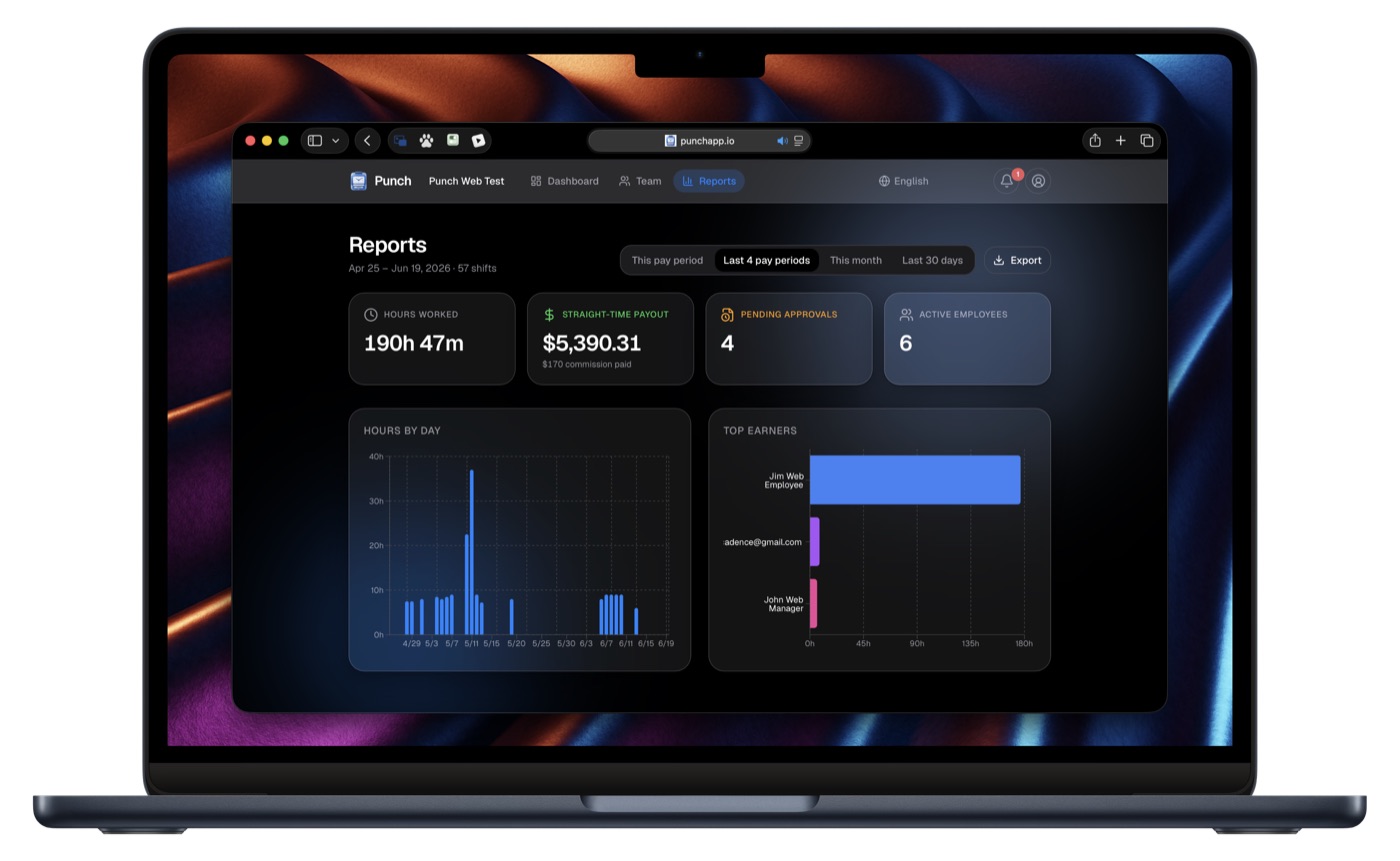
Mark the period paid and export to Excel, QuickBooks Online or Square.
Built for every role
Owners, managers and crews.
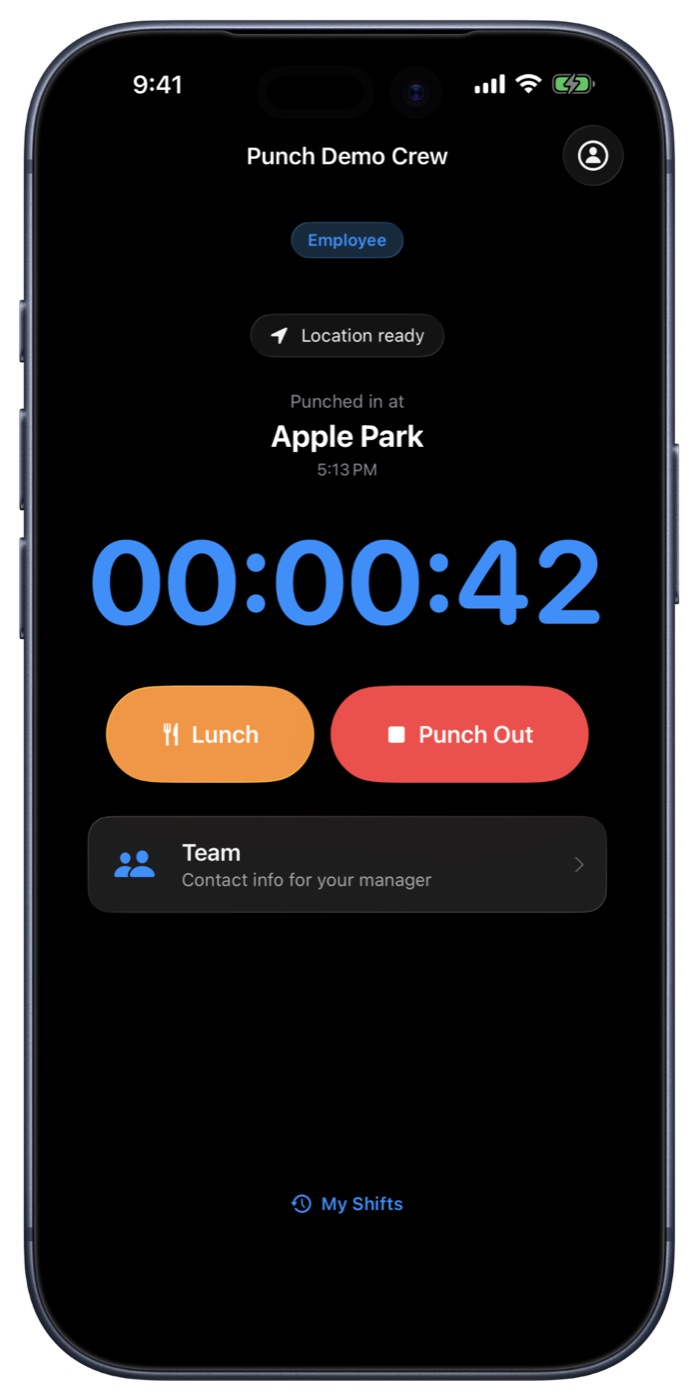
Geofenced punch-in
iOS verifies the device is within the job-site radius before the shift counts.
Timesheets
Weekly or bi-weekly per employee. Mark paid by payment method and export to Excel.
Commission, bonuses & travel
Employees log sales, you approve them, and overtime is done right.
QuickBooks Online & Square
Push a whole pay period of approved hours in one click, with no duplicates.
Kiosk mode
Turn one shared iPad into a punch-in station. Name plus PIN, no work phone needed.
Restaurants too
Cafes, coffee shops and multi-location groups. One subscription covers every location.
Pricing
Scales with your team, never by holding features back.
14-day free trial on every tier. Subscribe from iOS or punchapp.io, and change or cancel any time. A CRMb plan takes 25% off Punch.