
Game-day control for the Mac
GamePilot
Run every screen in the building from one seat. GamePilot runs the scoreboard, video boards, LED ribbons, sponsors, sounds and buzzers for your gym, stadium or arena. One Mac drives the screens; iPhones and iPads keep score from anywhere on the floor.
Coming soon for macOS 14 and later, with remotes for iPhone and iPad.

One app for the whole game
Scoreboard, video, sound and sponsors in one window.
A real scoreboard for nine sports
Basketball, football, 6-man, soccer, baseball, softball, volleyball, tennis and pickleball, with shot and play clocks, fouls, downs and line scores.
Every display, its own job
TVs, projectors, video boards and LED processor regions, each showing the board, sponsors, a ribbon segment, a score bug or its own video.
LED ribbons that line up
One long strip of sponsor art, text and the live score that runs around the bowl in one piece.
A sponsor loop with a report
Pictures and videos in your order, with an export of how many times each sponsor appeared.
Soundboard, horn and sub buzzer
Your clips on big buttons with shortcuts, plus an arena horn when the clock runs out.
Fan prompts and celebrations
MAKE SOME NOISE, DEFENSE!, TOUCHDOWN! and 3-POINTER! in the team's colors, with your own sounds or video.
Rosters, points and fouls
Tap a player to credit points or a foul, with starting lineups and walk-up music and video.
Remotes from the floor
An iPhone or iPad joins with a four-digit code and runs the score and clock from the table.
Stream Deck
Score, clocks, sounds, overlays, sponsors and videos on buttons through Bitfocus Companion.
Free on iPhone, iPad and Mac
GamePilot Lite
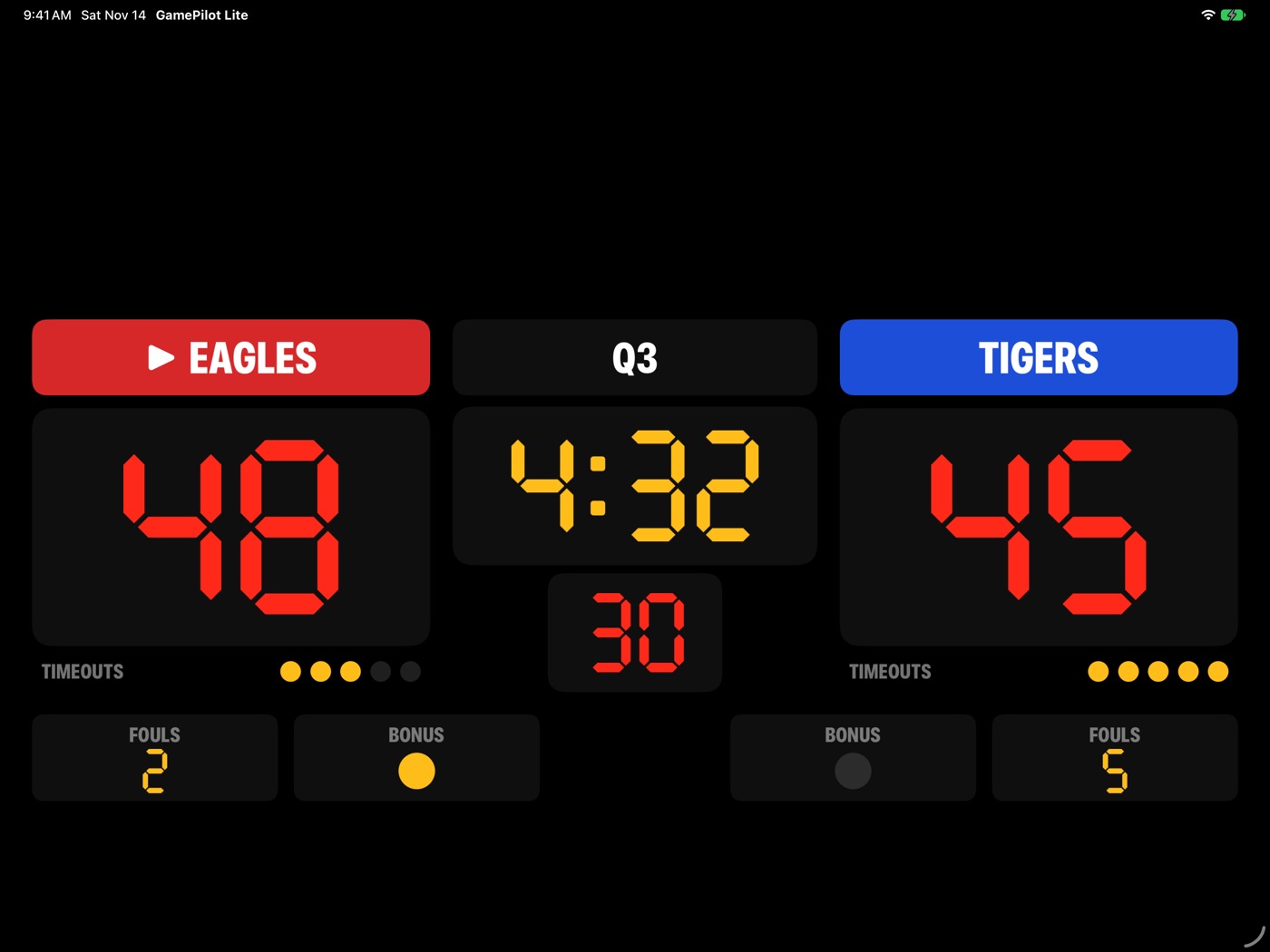
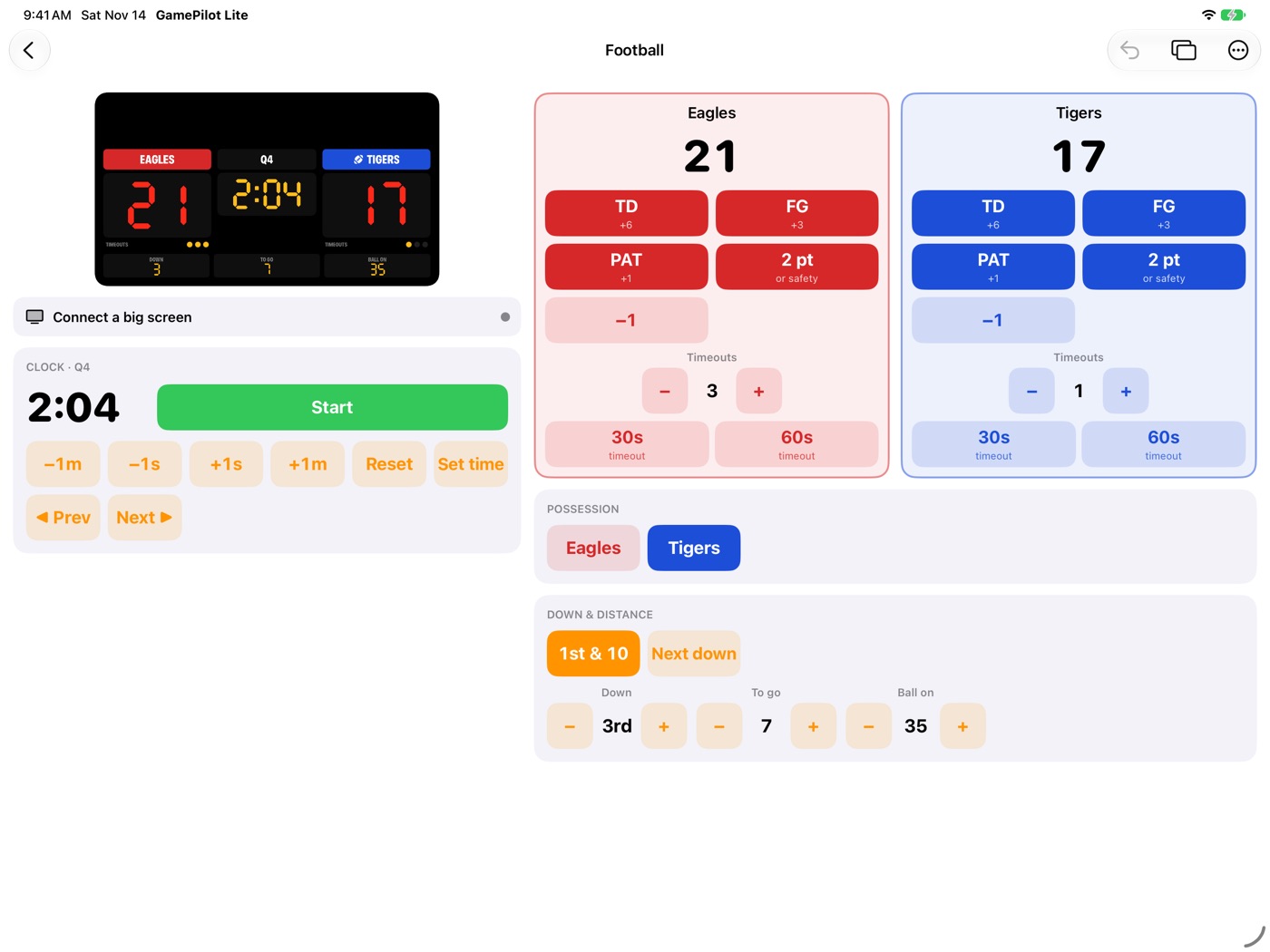
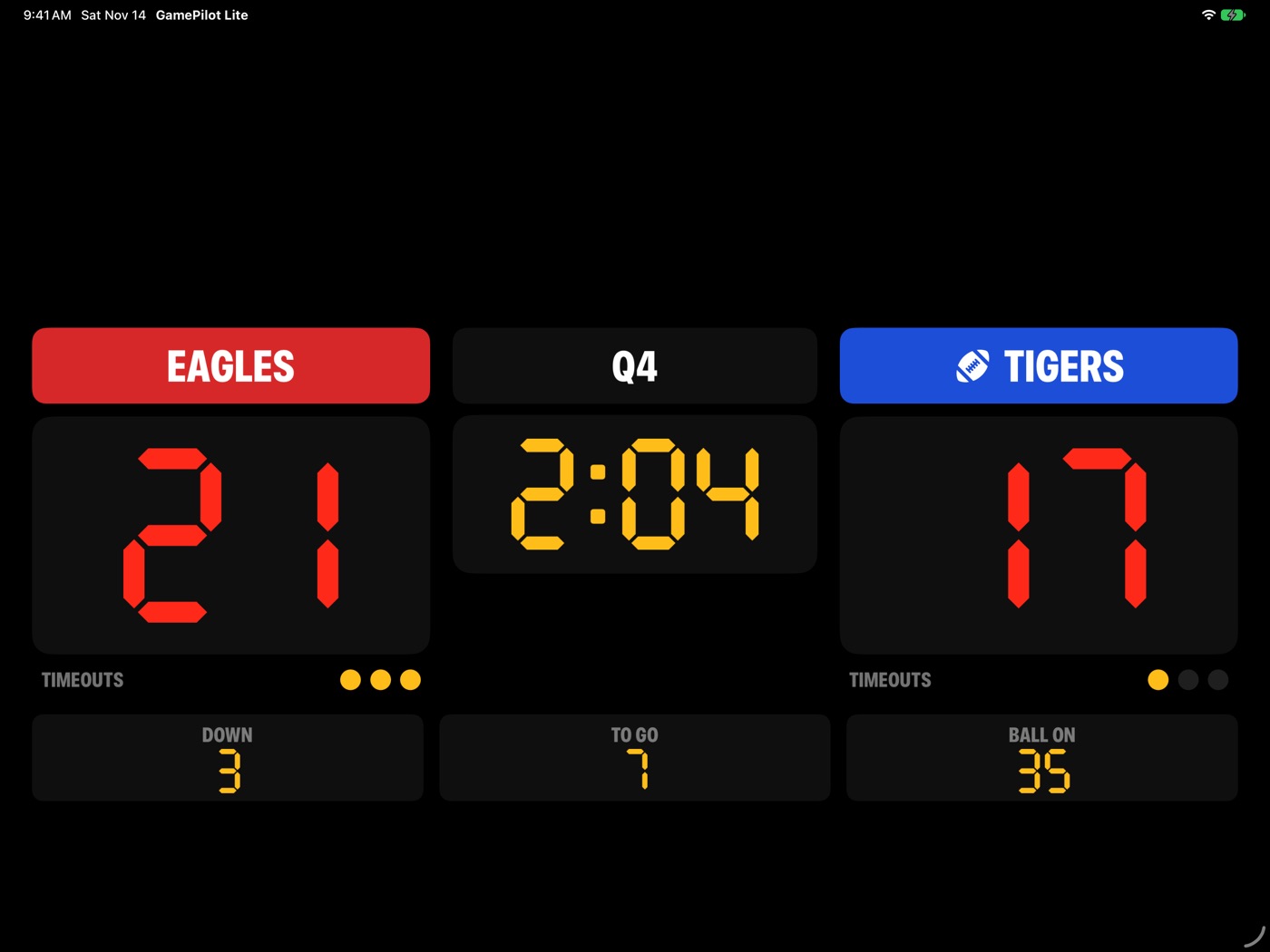
A clean, classic scoreboard you run from your phone or tablet. Pick a sport, keep score and the clock, and put the board on any TV over AirPlay or a cable, or on a second iPad. No account, no ads, no tracking.
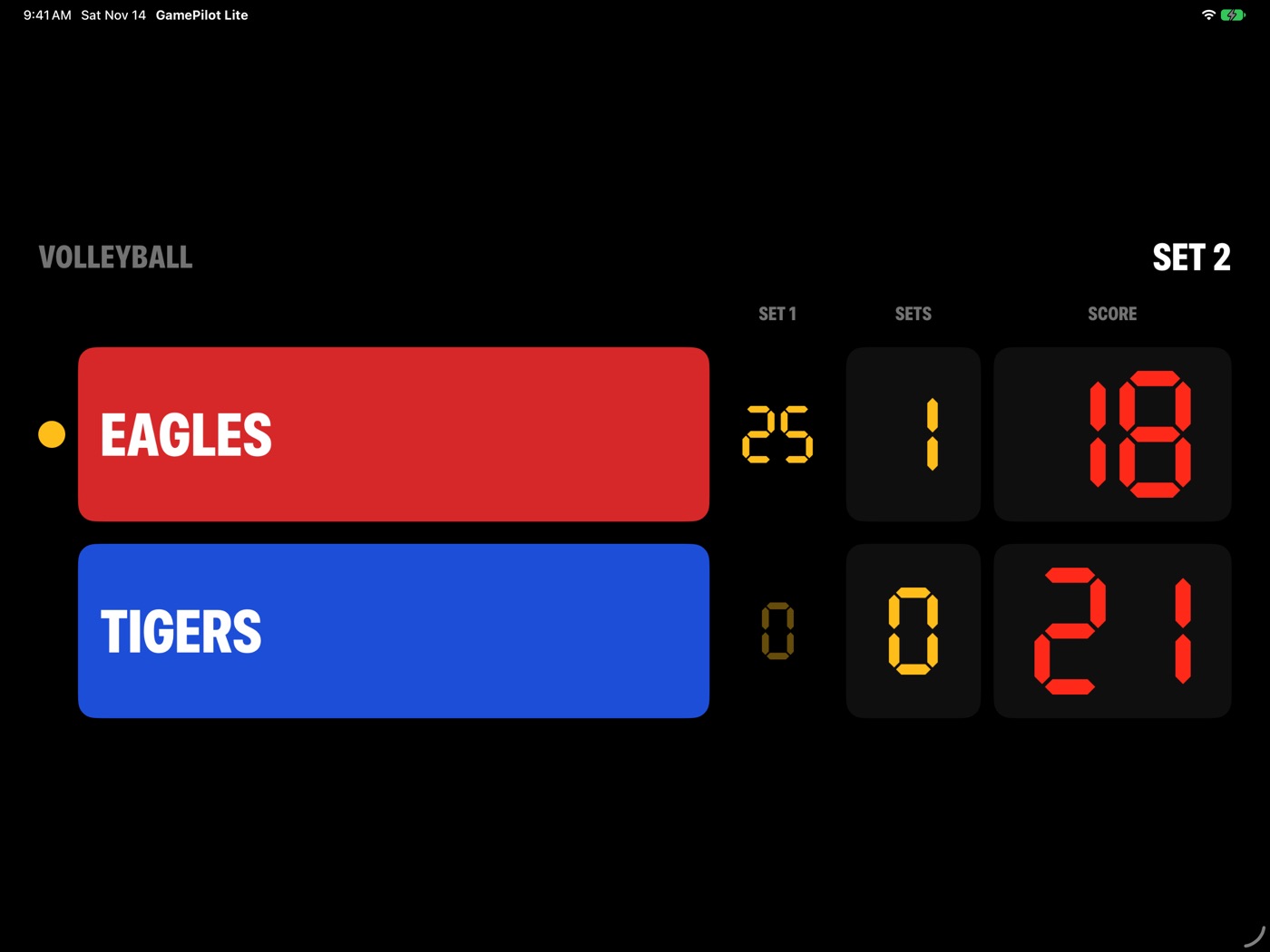
Eight sports
Basketball, football, soccer, volleyball, pickleball, tennis, baseball and softball.
Board-only TV output
The TV shows just the score and clock, never your buttons.
Link two devices
Use a second iPad as the big screen with a 4-digit code. Nothing leaves your devices.